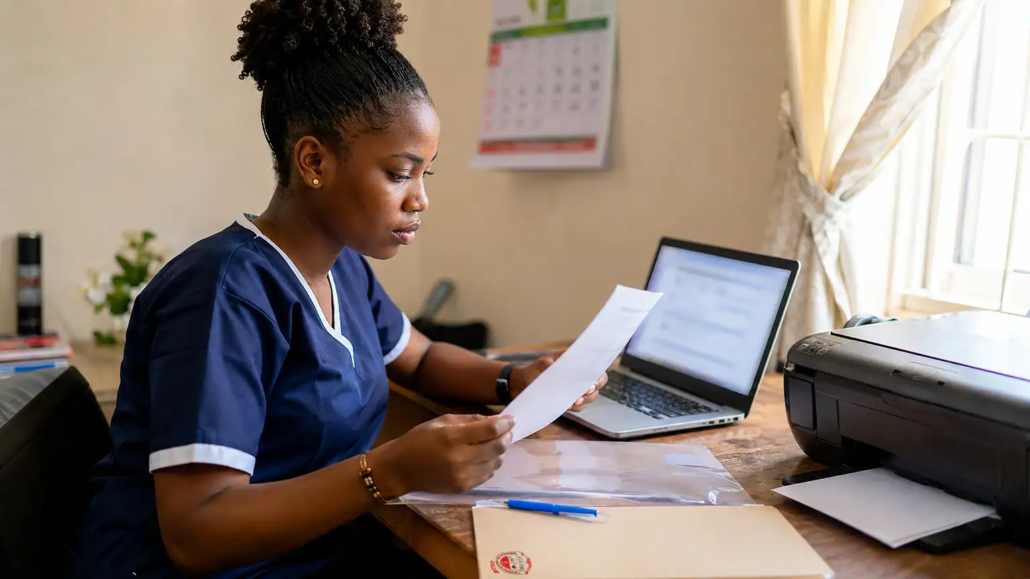
Jigawa State College of Nursing Sciences Post-UTME Examination Slips for 2026/2027 ND/HND Nursing Admission; Jigawa State College of Nursing Sciences has announced the commencement of Post-UTME examination slip printing for candidates applying for admission into its National Diploma (ND) and Higher National Diploma (HND) Nursing Programme for the 2026/2027 academic session.
The announcement is for applicants who selected any of the college’s three campuses:
- Birnin Kudu Campus
- Babura Campus
- Hadejia Campus
Candidates are required to log in to the admission portal for their chosen campus, print their examination slips and carefully check the examination date, time and venue stated on the document. A printed copy of the slip must be presented at the examination venue.
For more admission updates and guides, visit www.studentvillage.com.ng.
Who Should Print the Jigawa Nursing Post-UTME Examination Slip?
The examination slip is for candidates who applied for admission into the 2026/2027 ND/HND Nursing Programme at Jigawa State College of Nursing Sciences.
The notice applies to applicants who selected any of the following campuses:
- Birnin Kudu Campus
- Babura Campus
- Hadejia Campus
Applicants are advised to use only the admission portal assigned to the campus they selected during the application process.
Why the Post-UTME Examination Slip Is Important
The Post-UTME examination slip contains the details of each candidate’s scheduled examination.
Information contained on the slip includes:
- Examination date
- Examination time
- Examination venue
Candidates are advised to print a clear copy of the slip and keep it safe, as it must be presented at the examination centre on the examination day.
Use the Correct Admission Portal for Your Campus
Applicants must log in through the admission portal that corresponds with the campus they selected during registration.
Birnin Kudu Campus
Candidates who applied to Birnin Kudu Campus should log in through the Birnin Kudu Post-UTME applicant portal.
Hadejia Campus
Applicants for Hadejia Campus should access the Hadejia Campus Post-UTME portal.
Babura Campus
Candidates who selected Babura Campus should log in through the Babura Campus Post-UTME portal.
Using the correct campus portal is necessary to access the appropriate application profile and examination record.
How to Print the Jigawa Nursing Post-UTME Examination Slip
Candidates should follow these steps to print their examination slips.
Step 1: Visit the Correct Campus Portal
Open the admission portal for the campus selected during your application—Birnin Kudu, Babura or Hadejia.
Step 2: Open the Applicant Login Page
Locate the applicant or user login section on the portal homepage and proceed to the login page.
Step 3: Enter Your Login Details
Provide the required login credentials, which usually include:
- JAMB Registration Number
- Phone number used during the application process
Ensure you use the same phone number that was provided when creating your admission profile.
Step 4: Select the Examination Slip Option
After logging in successfully, access your dashboard and click either “Print Exam Slip” or “Print Post-UTME Slip”, depending on the option available on your campus portal.
Step 5: Download and Print Your Slip
Download the generated examination slip and print a clear copy.
Make sure that all details, including your personal information, examination date, time and venue, are clearly visible.
Details to Check on Your Printed Examination Slip
After printing the slip, candidates should carefully verify the following information:
- Name and registration details
- Assigned examination date
- Examination time
- Examination venue
- Selected campus
If any part of the slip is unclear or missing due to poor printing, another clear copy should be printed before the examination date.
Login Details Required
Applicants will generally need the following credentials to access the portal:
- JAMB Registration Number
- Phone number used during the admission application
Candidates should enter these details exactly as they were used during registration.
Can You Use Another Campus Portal?
No.
Each applicant must use the portal assigned to the campus selected during the admission process.
- Birnin Kudu applicants should use the Birnin Kudu portal.
- Hadejia applicants should use the Hadejia portal.
- Babura applicants should use the Babura portal.
Using the correct portal ensures access to the right application profile and examination details.
What to Do After Printing the Examination Slip
After printing the examination slip, candidates should keep it in a safe place until the examination day.
The printed slip must be taken to the assigned examination venue, as it will be required for entry into the Post-UTME examination.
Applicants should also rely on the information printed on the slip when planning their examination schedule, including the date, time and venue.
Candidates are advised to print their examination slips through the appropriate campus portal as early as possible and retain them until the completion of the admission screening exercise.