
Student Village Academy › Forums › TECH AND GADGETS › Laptops › How to Choose the Best Laptop for Your Needs
Tagged: chromebook, gaming pc, laptops, Macbook, windows
- This topic is empty.
-
AuthorPosts
-
-
September 15, 2025 at 9:27 AM #83548
 justseyiKeymaster
Shopping for a new laptop can feel overwhelming. With so many models, operating systems, and features to consider, it’s easy to get lost in the details. The truth is, the best laptop for you depends less on specs and more on what you plan to do with it—and where you’ll use it most often.
Read: Apple Confirms macOS Tahoe 26 Launches September 15
Whether you’re working on the go, chasing high frame rates in your favorite games, editing video projects, or just looking for something affordable to browse the web, there’s a machine built for your lifestyle. Here’s a breakdown of what to buy depending on your needs.
Best Laptop for Work & Productivity
If your top priority is getting work done—checking email, preparing documents, attending virtual meetings—you’ll want a modern ultraportable. These laptops are light, easy to carry, comfortable to type on, and built to last through a full workday on a single charge.
-
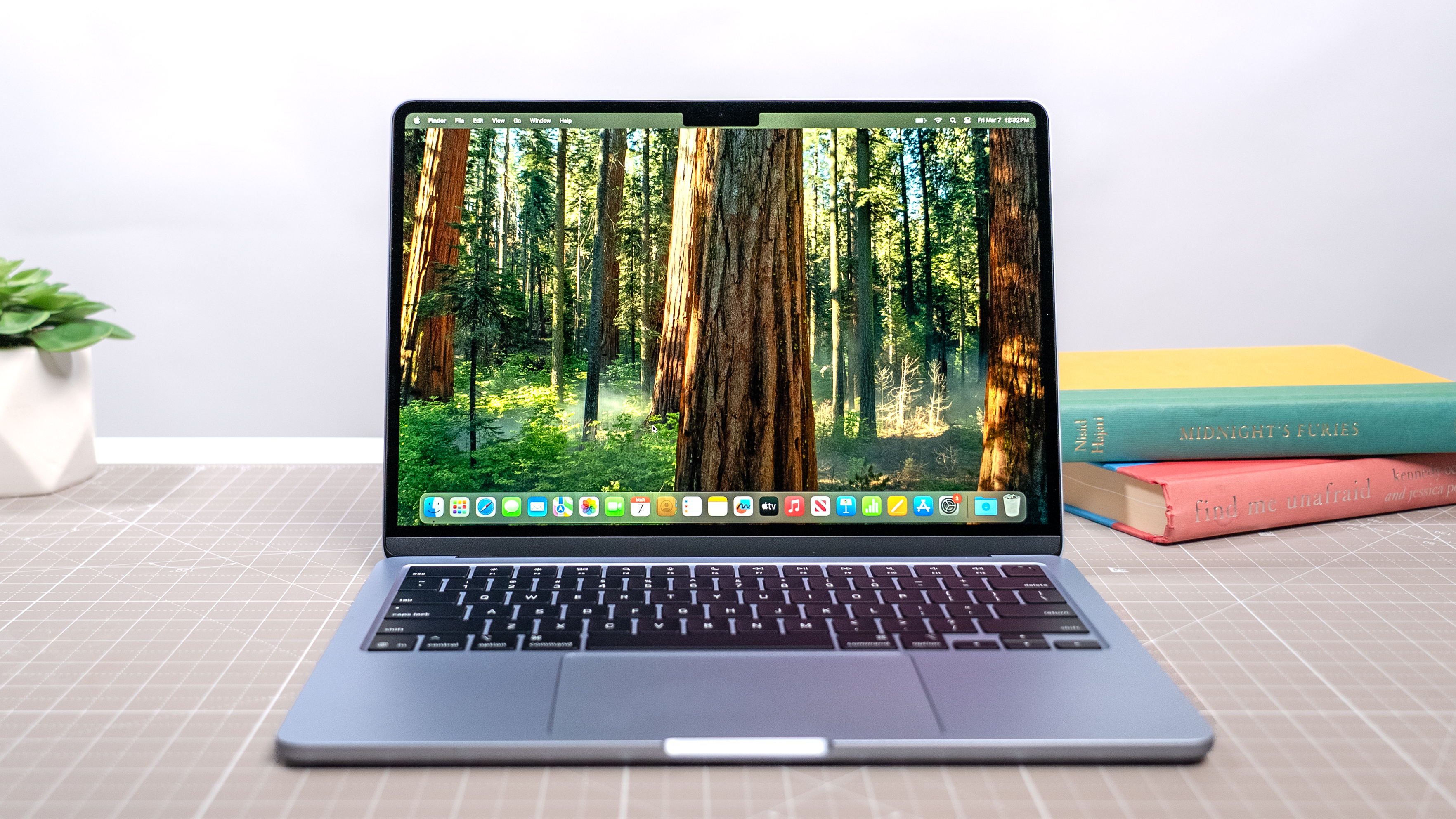
Mac users: The MacBook Air M4 is a standout thanks to its razor-thin design, long battery life, and seamless integration with other Apple devices.
-
Windows fans: The Dell XPS 13 remains one of the best ultraportables, offering a sharp display and premium design in a lightweight package.
-
Tinkerers & upgraders: If you like the idea of repairing and upgrading your laptop yourself, the Framework Laptop is in a class of its own. You can swap out parts, upgrade components, and keep it running for years—something no other ultraportable really offers.
Best Laptop for Gaming
If your laptop will double as your gaming rig, the checklist changes. You’ll need a fast CPU, a discrete GPU, and plenty of RAM to keep up with modern titles. A high-refresh-rate display is also a must if you want to game at higher than 60 frames per second.
One of the best all-around picks right now is the Asus ROG Zephyrus G14, a compact powerhouse that balances performance and portability without sacrificing too much battery life. It’s a solid choice for gamers who want desktop-level performance in a laptop form.
Best Laptop for Creative Work
For video editors, 3D artists, and content creators, the requirements overlap with gaming laptops: powerful processors, discrete graphics, and lots of memory. But creatives also need color-accurate, high-resolution displays to ensure their work looks exactly as intended.
-
Mac option: The MacBook Pro (14-inch M4) brings top-tier performance and an exceptional display that’s both bright and color-accurate.
-
Windows option: The Asus ProArt P16 is purpose-built for creators, combining workstation-class power with a screen tailored for design and editing work.
Both offer enough horsepower to handle demanding workloads while delivering the kind of display quality that makes a real difference for creative professionals.
Best Laptop for Casual Use
Not everyone needs workstation-class performance or a gaming-ready GPU. If your main tasks include basic writing, web browsing, streaming, and light productivity, you can save a lot of money by going with a budget-friendly model.
-
Windows choice: The Acer Aspire Go 15 is affordable, reliable, and more than capable of handling day-to-day tasks.
-
Chromebook choice: The Lenovo Flex 5i Chromebook Plus is a great pick if you don’t mind living in the browser and you’ve got steady Wi-Fi access. ChromeOS is lightweight and simple, but remember—it’s heavily dependent on an internet connection.
Should You Buy a MacBook, Windows Laptop, or Chromebook?
Even after narrowing down your use case, you’ll still need to decide on an operating system. Here’s how to choose:
-
Buy a MacBook if you’re already in the Apple ecosystem. Macs are easy to use, sync beautifully with iPhones, iPads, and AirPods, and have excellent battery life. Just don’t expect them to match Windows laptops when it comes to gaming.
-
Buy a Windows 11 laptop if you want maximum flexibility. Windows PCs have the broadest selection of apps, the widest range of hardware designs, and the best support for gaming. You can even find 2-in-1 convertibles and touchscreen options here. The trade-off? Battery life often lags behind Apple’s best.
-
Buy a Chromebook if your entire digital life happens inside a browser. ChromeOS is fast, secure, and affordable—but without internet access, it’s limited. For students, casual users, or anyone on a tight budget, it’s a surprisingly capable choice.
Bottom Line
The “best laptop” isn’t the one with the highest specs or the fanciest design—it’s the one that fits your daily needs. Whether that means an ultraportable MacBook Air, a gaming-ready Zephyrus, a creator-focused MacBook Pro, or a budget-friendly Chromebook, the right laptop will feel like an extension of your lifestyle.
Take a moment to be honest about what you’ll use your laptop for most. Once you do, the perfect choice becomes clear.
-
-
-
AuthorPosts
- You must be logged in to reply to this topic.