
Student Village Academy › Forums › TECH AND GADGETS › Phones › How To Check if Your Iphone Is Blacklisted Or Reported Missing?
- This topic has 0 replies, 1 voice, and was last updated 7 months ago by
 Gigabyte Computer Solutions.
-
AuthorPosts
-
-
August 20, 2025 at 4:11 PM #82435
 Gigabyte Computer SolutionsModerator
How To Check if Your Iphone Is Blacklisted Or Reported Missing?
Thinking of buying a brand-new or UK-used iPhone? Before you hand over your hard-earned money, here’s how to confirm the device isn’t blacklisted—or worse, reported stolen.
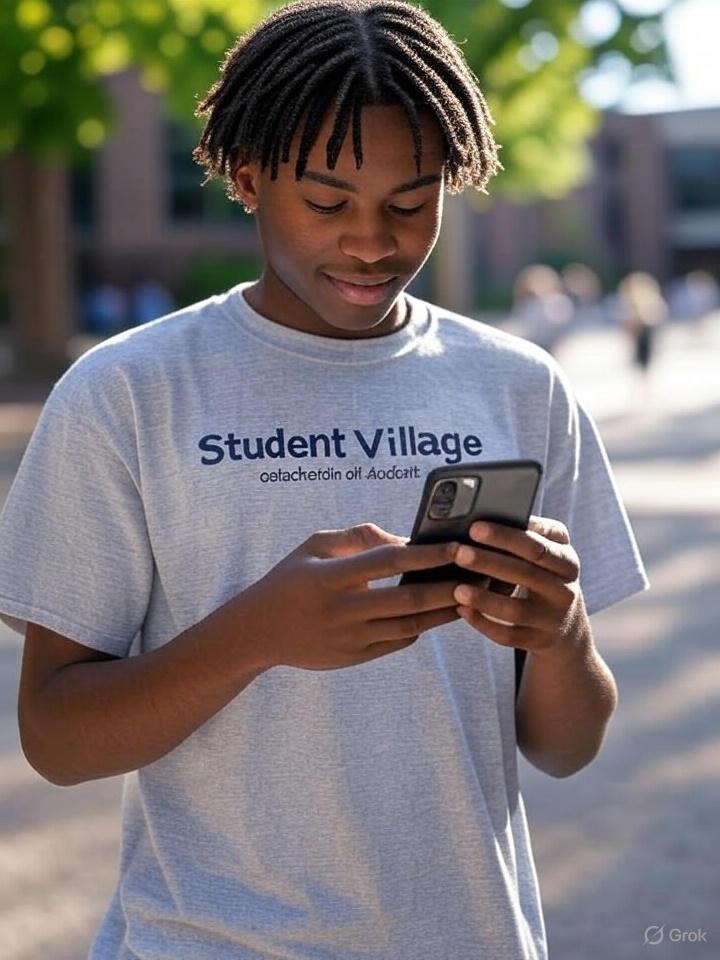
Buying an iPhone in Nigeria can sometimes feel like a gamble. What used to be a straightforward process at places like Computer Village has now become riskier. People spend hundreds of thousands of naira only to discover they’ve been sold a fake or compromised phone.But there’s a new twist: even some reputable shops now sell iPhones that Apple has blacklisted—devices reported as missing or stolen.
And it doesn’t just happen with “London-used” phones. Even so-called “brand-new” devices can be flagged.
Take the case of a man whose wife bought an iPhone from a big Apple-branded store in Lekki. Everything looked fine—until she tried swapping it in London. After scanning, the phone was flagged as stolen. Shockingly, what she believed was a “new” iPhone was already blacklisted.
Sadly, this isn’t an isolated story.
In Nigeria, the demand for second-hand iPhones is high, but the risk of unknowingly buying a blacklisted one is just as high. A blacklisted iPhone may look and function like the real deal, but once you try to swap it abroad, resell it, or access certain features, you’ll find yourself in a mess.
The good news? You can protect yourself by running a stolen phone check before you buy.
Why Checking Matters
A stolen phone checker works like a background check. It confirms whether an iPhone has been flagged by Apple, blacklisted by a carrier, or reported as missing. Here’s why it’s important:Save your money – Imagine paying ₦700,000 for an iPhone 13 Pro Max only to discover you can’t resell it, swap it, or even use it fully. That’s money gone.
Peace of mind – A quick check tells you if your device is safe, so you don’t rely on the seller’s word alone.
Avoid legal trouble – In some countries, owning a stolen device can bring police questioning.
How to Check if an iPhone Is Blacklisted
The process is simpler than most people think. Here are four reliable methods:1. Check the IMEI Number
Every iPhone has a unique 15-digit code called the IMEI (International Mobile Equipment Identity). It’s the phone’s digital fingerprint.Find it by:
Dialling *#06# on the phone.
Going to Settings > General > About.
With this code, use an online IMEI checker like IMEI.info or Apple’s coverage checker to confirm if the device is blacklisted.2. Use Apple’s Activation Lock Status
Apple’s Find My iPhone feature activates an “Activation Lock” if the device is lost or stolen.
Log in at iCloud.com to check if the iPhone has been flagged.3. Check with Your Network Provider
Before inserting your SIM, ask the network provider to verify the IMEI. Some carriers immediately flag devices with issues.4. Third-Party Blacklist Databases
Several trusted services run checks against global databases:GSMA IMEI Database – The global database network providers use to report stolen phones.
Swappa IMEI Check – A trusted service that uses GSMA data to confirm whether an iPhone is clean.
Some services charge a small fee, but it’s nothing compared to the cost of losing hundreds of thousands of naira.Where to Buy Safely in Nigeria
If you’re buying locally, reduce your risk by sticking with authorised retailers like Slot, Pointek, 3C Hub, or Select Gadgets.They might not always be the cheapest compared to the “plug” at Computer Village, but they’re more likely to provide warranties, receipts, and legitimate devices. That extra ₦10,000–₦20,000 could save you from losing everything.
Final Word
Whether you’re buying brand-new or UK-used, never take the seller’s word for it. Counterfeit iPhones, shady resellers, and even big-name shops have been caught selling questionable stock.Protect yourself. Run a stolen phone or IMEI check before you pay. It takes less than five minutes but could save you from months of frustration—or losing all your savings.
Bottom line: if you’re buying an iPhone today, check it first.
-
-
AuthorPosts
- You must be logged in to reply to this topic.